
Point your phone, wiggle the card, get a predicted grade and a straight answer on whether the trip to the grader is worth it. It’s fast, it’s fun, and it’s honest about being a guess.
Every collector knows the ritual. You pull something nice, you tilt it under the kitchen light, you squint at the corners, and you start doing grading math in your head. Is this a 10? A 9? Is it worth the fees and the months of waiting, or is it a binder card that only feels special right now?
CardGrader.AI wants to take over that ritual. Not the waiting part. The squinting part.
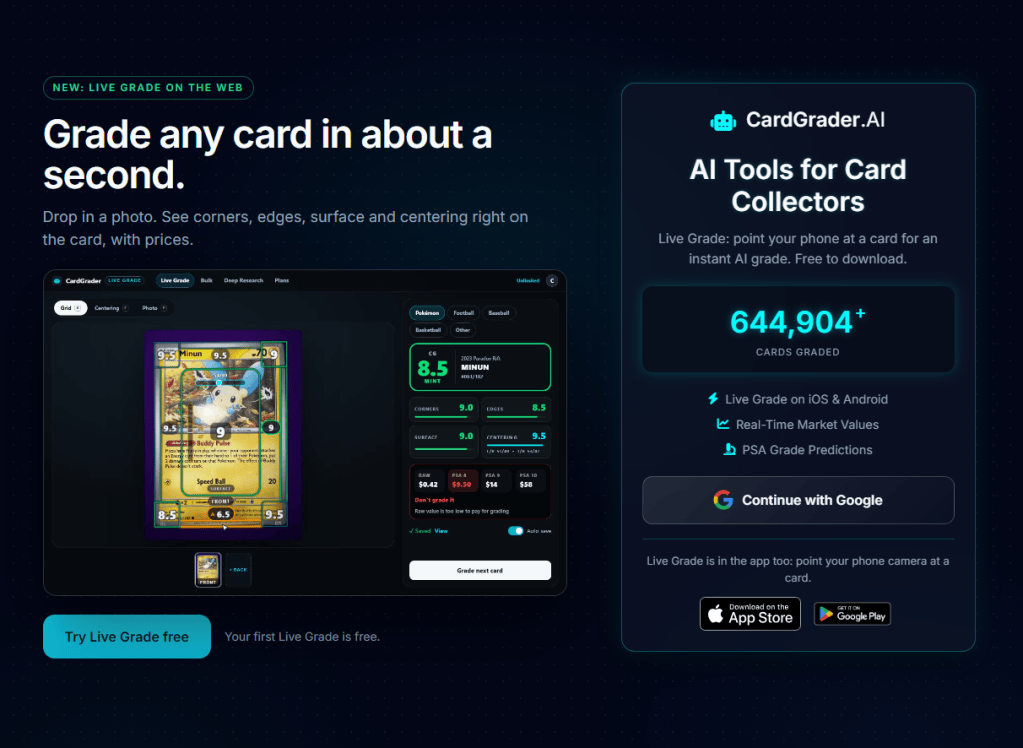
The pitch on its homepage is blunt: “Grade any card in about a second.” You hold your phone over the card, the app reads it live, and you get a predicted grade, subgrades, and a market value. Then it tells you whether grading actually pays. It started life as a side project from a small team of collectors and now ships on iOS, Android, and the web.
What it does
At its core, CardGrader.AI is an AI pre-grader with a pricing engine and a decision tool bolted on.
Live Grade is the headliner. Instead of snapping one photo and waiting, the app “reads corners, edges, surface and centering as you move the card,” per its store listing. You tilt, it updates. The result is a predicted overall grade built from four subgrades, with per-corner and per-edge detail, measured centering ratios, and visual damage and whitening maps that highlight where the trouble is.
It identifies the card, too. Scan a baseball, football, basketball, or hockey card and the app tries to pin down the exact card. Sports ID graduated from a limited test to everyone in an August release, according to its release notes. Pokemon is supported as well, and honestly, that’s where a lot of the app’s energy comes from.
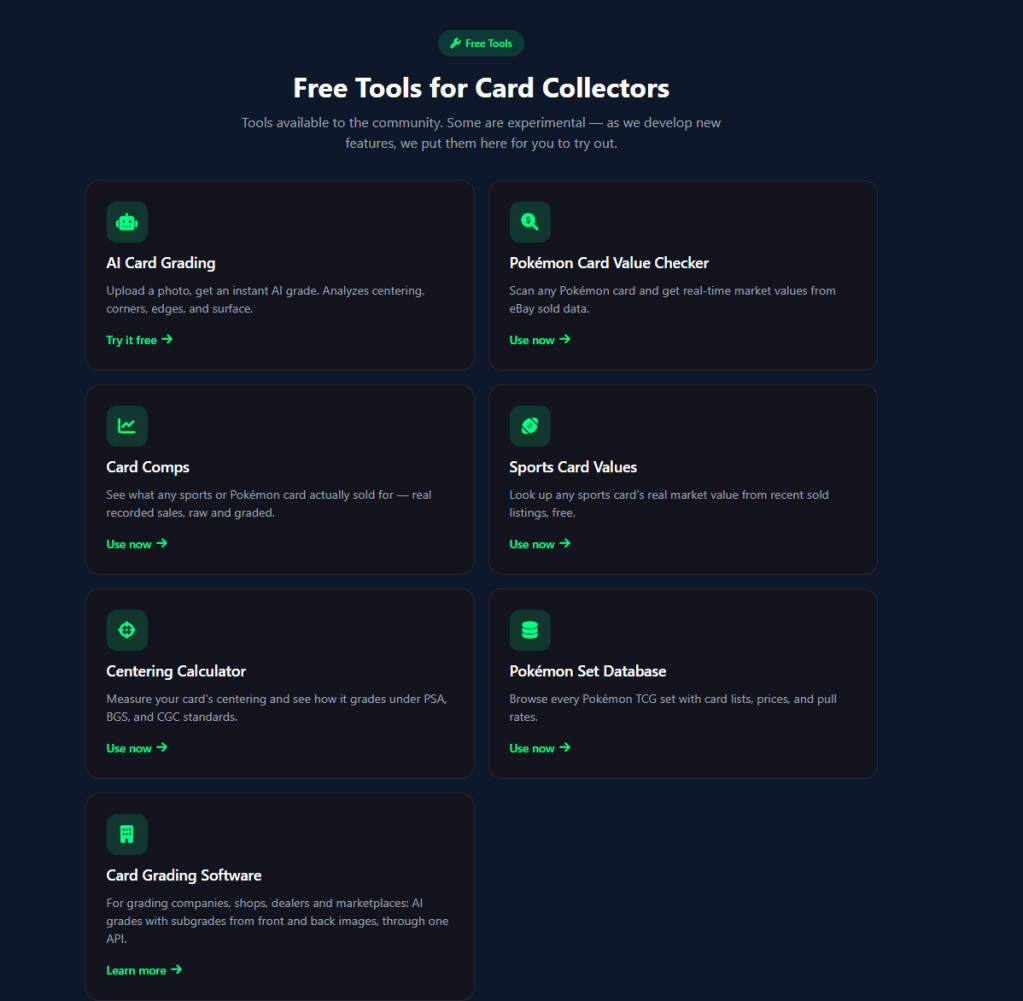
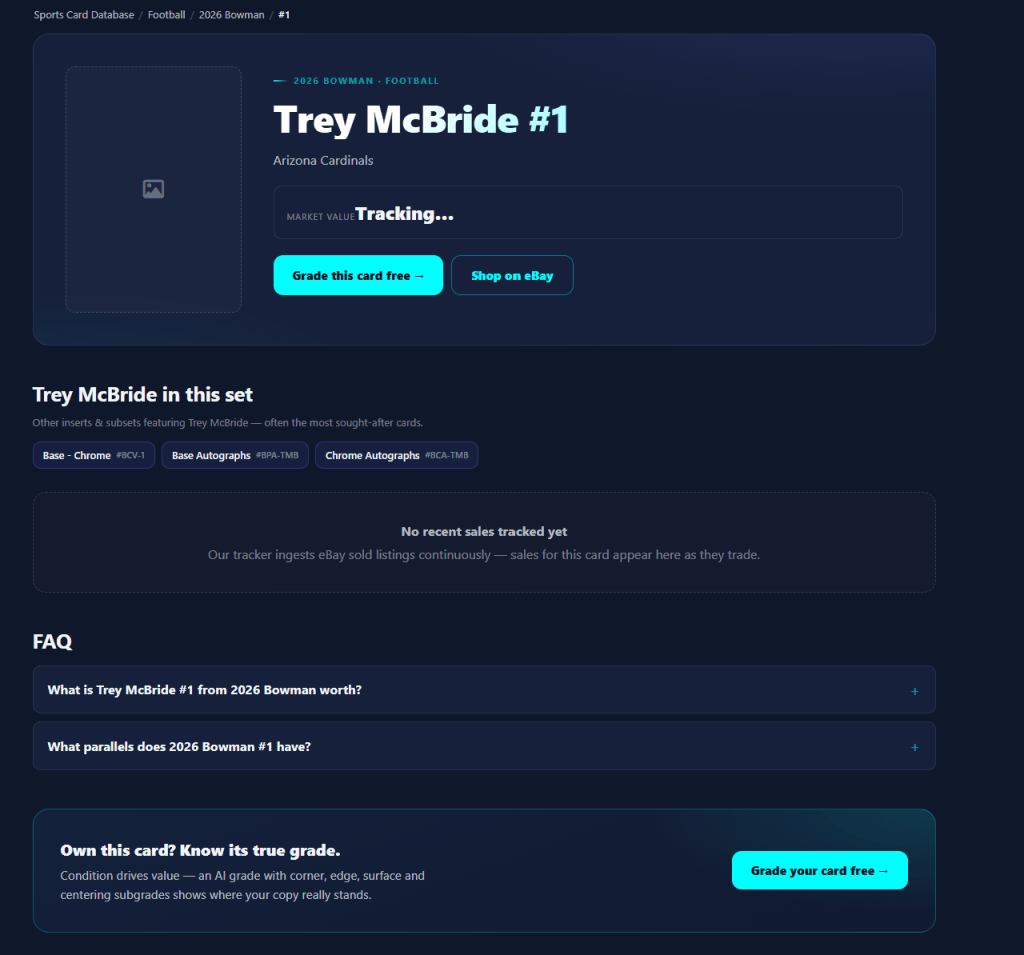
Then it prices it. You get recent sold values for the card raw, as a PSA 9, and as a PSA 10. On the web, you can type a player name and look up sold prices for free without scanning anything.
And then the useful part: “Should you grade it?” You plug in your own grading cost and your minimum value threshold, and the app gives you a grade-it-or-not call. The sports page puts the philosophy plainly: “Grading only pays off when a card’s graded value clearly beats the cost and the wait.”
Around that core you’ll find collection tracking over time, price alerts, PSA cert lookup, a trade compare tool, eBay listing straight from the app, and an AI chat assistant called Ask Carl for “is this worth sending in” questions.
What genuinely works
The live camera flow is a real upgrade over upload-and-pray. Most AI graders make you take a perfect flat photo and hope the lighting cooperates. Moving the card under the camera is closer to how you’d actually inspect it by hand, and it makes the whole thing feel less like a form and more like a tool.
It answers the question you actually have. Nobody wants a predicted grade for its own sake. They want to know if submitting makes sense. Putting raw, PSA 9, and PSA 10 values next to a predicted grade, then running the math against your costs, is the right product decision. It turns a novelty into a filter for your submission pile.
It’s refreshingly upfront about its limits. The About page says, “Our grades are predictions, not guarantees,” and adds that “no AI can replace actually holding a card under good light.” The store listings spell out that the app is not affiliated with PSA, BGS, CGC, or any grading company. We like a tool that tells you where the edges are.
People seem to like it. As of Nov 11, 2026, the iOS app holds a 4.7 rating from 430 ratings (Apple App Store), and the Android app shows 10K+ downloads (Google Play). The site claims “640,147+ Cards Graded” (cardgrader.ai, undated, viewed Nov 11, 2026).
It ships constantly. The release notes read like a team that’s actually listening: centering ratios, damage maps, eBay listing, and sports ID all landed over the summer and fall, and the Android app was updated as recently as Nov 10, 2026 (Google Play).
Where we’d push back
Surface and edges are the hard part, and reviewers notice. Some App Store reviews describe grades that missed in both directions, including a clean card scored low and a visibly worn vintage card scored high on surface. That’s anecdotal, but it lines up with what you’d expect from phone-camera grading. Surface flaws are exactly what a phone lens struggles to see.
The data source story is a little fuzzy. Depending on which page you read, values come from “our own market data,” “recent eBay sales,” or “recent sold-listing data.” Probably all describing the same pipeline, but we’d like one clear answer. The site also discloses that it earns from eBay affiliate purchases, which is worth knowing when an app also helps you list and buy.
The free tier has moved around. Earlier release notes promised a few free scans every day. Newer copy says your first scan is free. The paid side is a mix of subscription tiers plus credit packs, and a few reviewers say the credits and billing were confusing. Read the plan details before you tap subscribe.
Sports feels like the second language. The grading pipeline is described as one engine for “Pokemon and sports cards,” and the app’s subtitle literally leads with Pokemon. Sports collectors get full support, but we didn’t find anything sports-specific in how the grader is tuned.
PSA is the reference point. Values and predictions are framed around PSA grades. If you mostly submit to SGC or another grader, you’ll be translating.
Who this is for
Raw card buyers and flippers. If you’re deciding which raw cards to buy and which to submit, a quick predicted grade plus a raw vs. PSA 10 spread is a genuinely useful first screen.
Collectors sorting a submission pile. Run your stack through it, toss the obvious “not worth it” cards, and spend your real attention (and a loupe) on the contenders.
Pokemon and sports crossover collectors. One app for both sides of the hobby is a real convenience.
Good to know
CardGrader.AI is a screener, not a grader. Treat its number as a prompt to look closer, not a verdict. Phone cameras miss fine surface scratches and print lines, so the predicted grade will be most useful for spotting obvious centering and corner problems. If you’re about to submit a high-end card, or you’re grading vintage where surface and print quality matter a ton, the app should be your first look, not your last. And if you prefer simple pricing with no subscription, this isn’t that.
Bottom line
CardGrader.AI takes the most common question in the hobby, “should I grade this?”, and turns it into a ten-second habit. The live camera grading is fun and faster than it has any right to be, and pairing it with sold values and a grade-it-or-not call makes it more than a party trick. The accuracy ceiling is set by your phone camera, and the company says so itself.
Verdict: worth a spot on your home screen as a first-pass screener, especially if you buy raw to grade or flip. Just don’t let it be the only set of eyes on a card that matters.
Visit CardGrader.AI today: cardgrader.ai







Leave a Reply